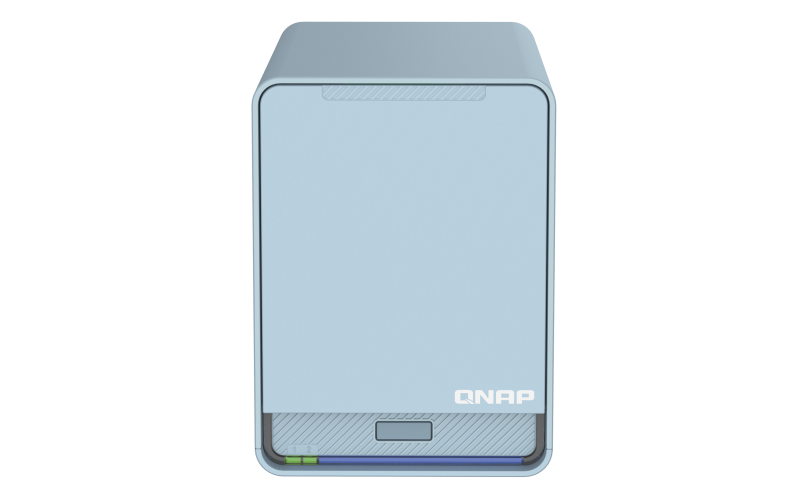
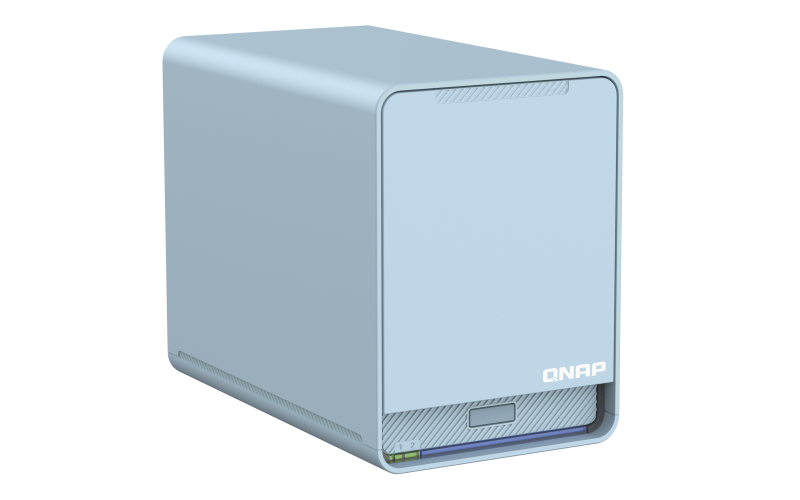
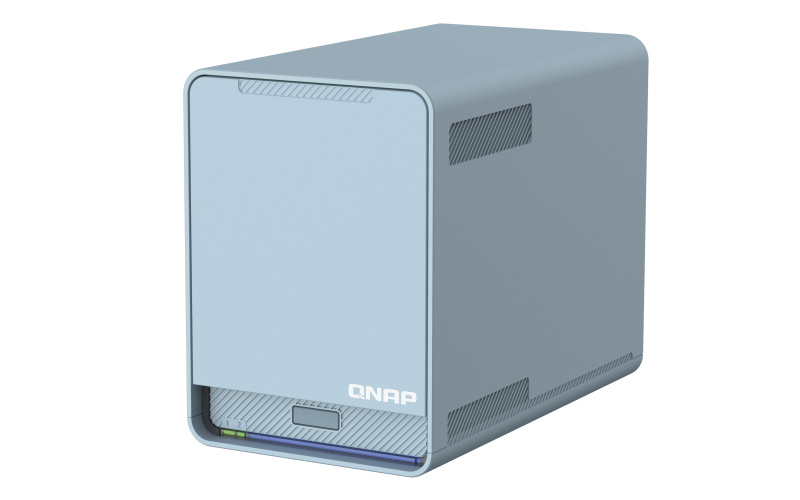
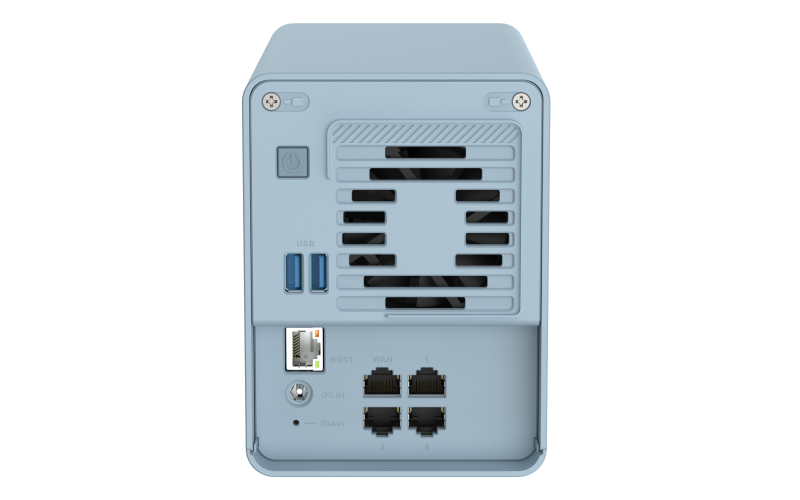
Connect your Home with High-Coverage Tri-Band Mesh Wi-Fi
Say goodbye to weak Wi-Fi signals by setting up a Mesh Wi-Fi structure in your home. QMiroPlus-201W adopts Wi-Fi Handover technology, allowing multiple users to be automatically connected to the router with the strongest Wi-Fi signal with a single SSID.
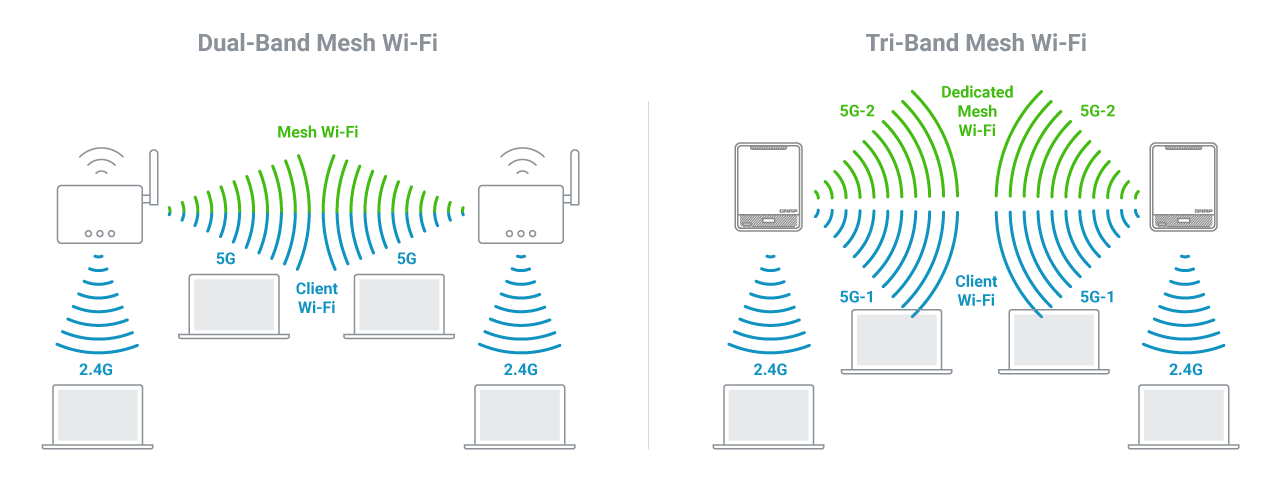
Dedicated Tri-Band Mesh Wi-Fi for Smooth Connections
The QMiroPlus-201W supports Tri-band Wi-Fi of 2.4GHz, 5GHz and a dedicated Mesh Wi-Fi 5GHz band for high-bandwidth connections between Mesh Wi-Fi routers. Unlike conventional dual-band routers whose 5GHz band must be shared between Wi-Fi clients and Mesh Wi-Fi routers, the QMiroPlus-201W guarantees smooth and stable Wi-Fi connections.
File Storage and Backup - Easily to Use for All Ages
QMiroPlus-201W provides convenient internet storage space for everyone in your family. Simply follow the beginner’s guide to create family accounts, and then invite them to enjoy centralized data storage and real-time backup services.
Convenient connectivity for remote workers
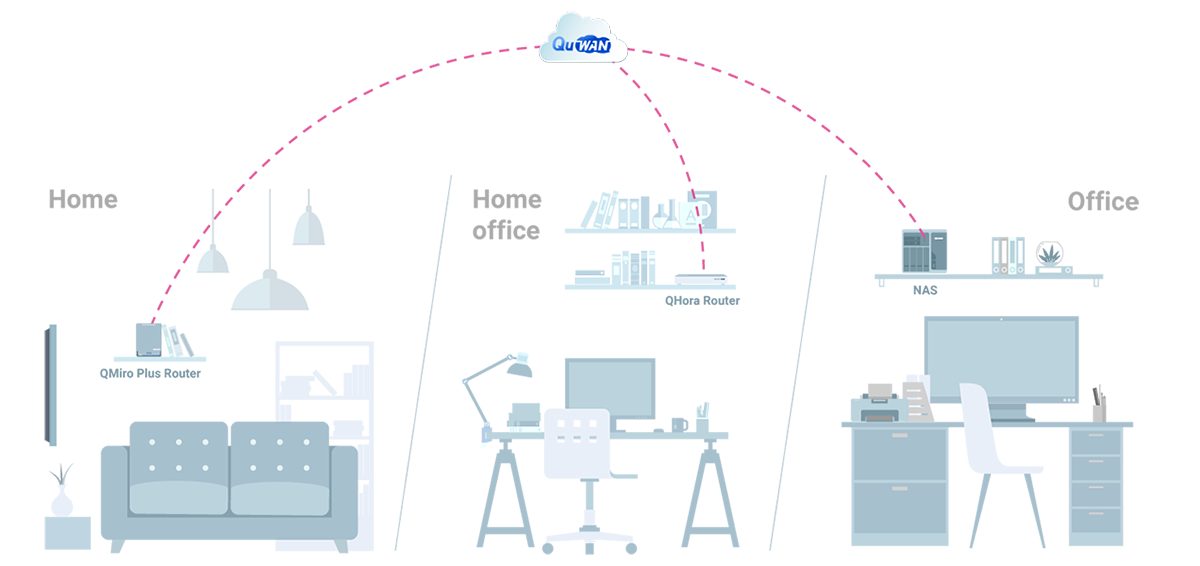
Working from home has transformed the lives and daily practices of workers and businesses alike, but now the challenge is ensuring that we are always securely connected to business IT. QNAP QuWAN is a SD-WAN solution that enables automatic Mesh VPN topology from corporate networks to personal home routers. Once your home QMiroPlus-201W is set up, QuWAN Cloud Orchestrator enables QMiroPlus-201W to connect to the mesh VPN whether in router mode or AP mode. After that, your QMiroPlus-201W is your gateway to the company cloud. You can even mount storage from your company’s NAS to your QMiroPlus-201W for quick and convenient access to important files and data.
Sync and back up your data anytime, anywhere
With Qsync and Hybrid Backup Sync (HBS) you can easily sync and back up your data from anywhere at any time. Qsync enables you to sync data between a QMiroPlus-201W and other end devices, while HBS helps back up data from the QMiroPlus-201W to a QNAP NAS or public cloud storage. Both apps work seamlessly with the QMiroPlus-201W to create a secure cross-device and multi-version backup solution.
Centralize your Cloud Storage
With the File Station app you can centrally manage various cloud storage accounts (including Google Drive and Dropbox), allowing quick and easy access to your files wherever they are stored. QMiroPlus-201W also supports HybridMount cloud storage, allowing you to mount storage accounts from mainstream cloud providers.
Safe storage for your photos
By combining QNAP’s QuMagie mobile app with the QuMagie Smart Album on QMiroPlus-201W, you can automatically back up photos from mobile devices as soon as they are taken. QuMagie also uses AI deep learning algorithms to help organize your photo collections, including using facial, object, and location recognition.
Create a family-friendly internet environment
Parental controls are included for you to block inappropriate sites and filter keywords on search engines to ensure that everyone in your family can use the internet safely.
Protect yourself from breaches and intrusion
QNAP follows the Zero Trust ("never trust, always verify") security model, helping to protect you from malware and intrusion. Connections, devices, and IP addresses can also be blocked using the NAT.
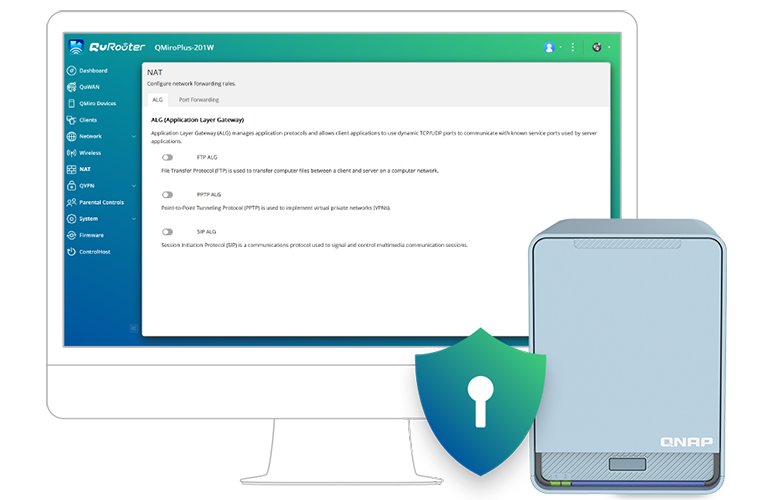
QuRouter OS: User-Friendly Router Management
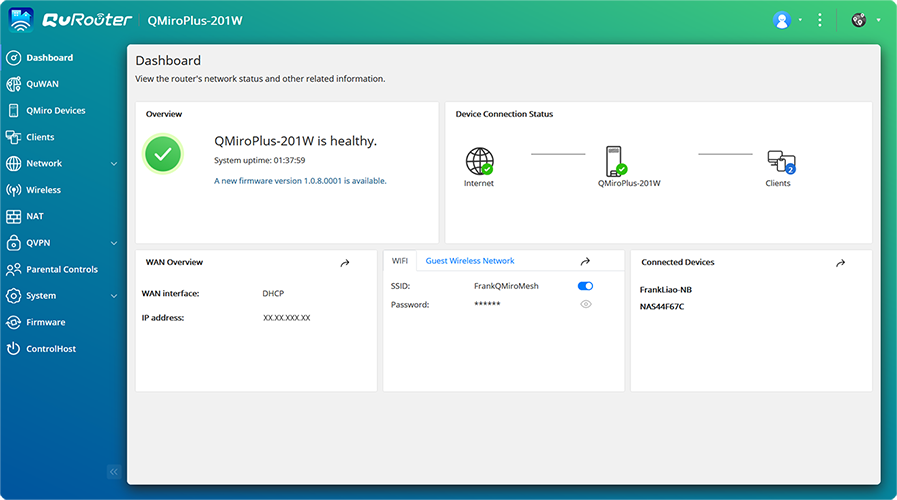
With a web-based GUI and at-a-glance dashboard, the QuRouter OS provides a user-friendly interface for everyday network management. The QMiroPlus-201W also supports wireless router or AP mode configuration via the QuRouter OS, allowing dispatching an IP address as a master router or receiving an IP address from another main router. With the QuRouter OS, not only can users efficiently manage all connected wired and wireless devices in real-time, but they can also configure NAT, VPN, security and QuWAN advanced functions.
Stylish Morandi blue and fanless design for homes
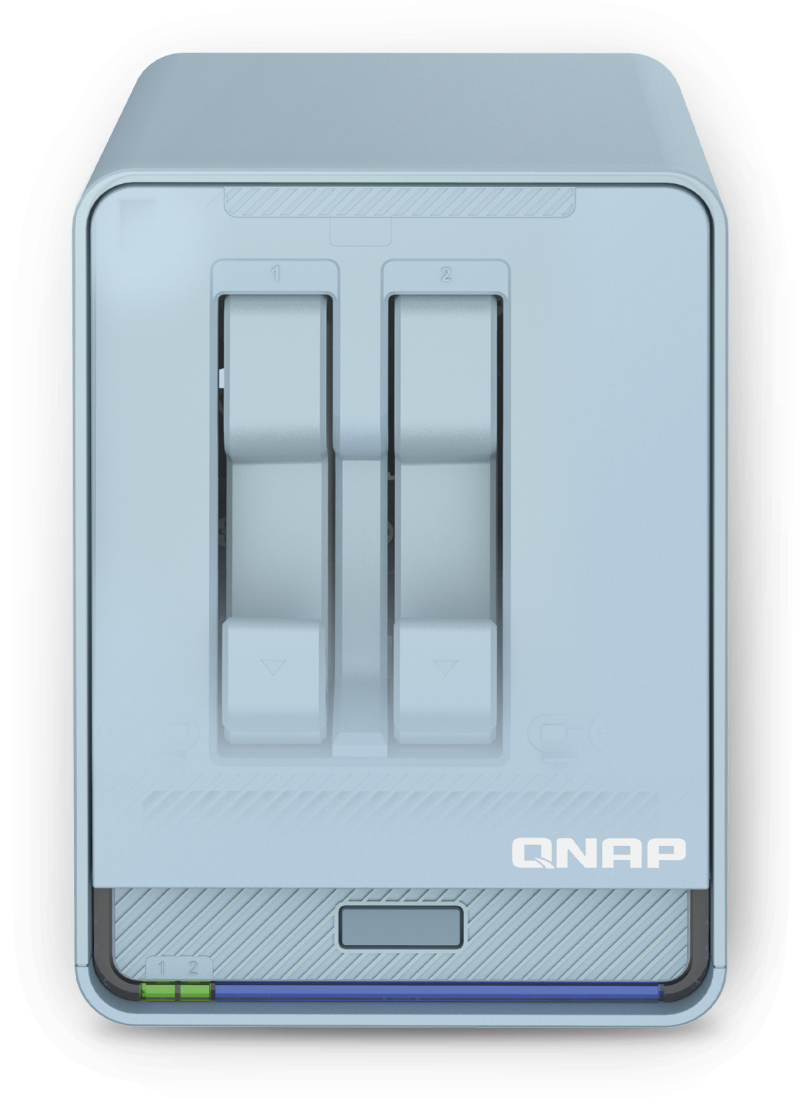
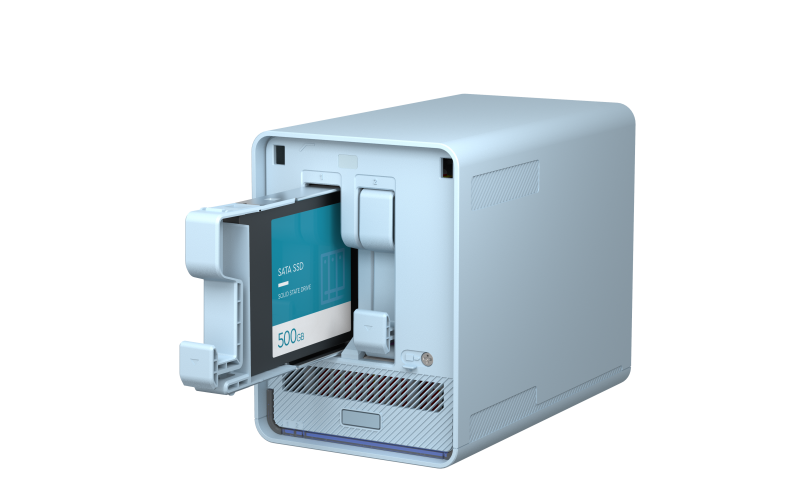
Combining style and functionality to fit modern digital homes, the QMiroPlus-201W’s design includes Morandi colors and near-silent cooling design.
Includes Apps for Work and Play
Your file cabinet on cloud
Manage and share your files with a familiar and user-friendly web interface. Qfile mobile App is also supported for you to remotely access NAS files.

Your movie theater at home
Stream videos to mobile devices, DLNA® devices, smart TVs, Apple TV® (via Qmedia), Chromecast, or Amazon Fire TV®.

Your home surveillance solution
QNAP’s subscription-based smart surveillance solution, QVR Elite, allows you to easily build a surveillance system with lower TCO and higher scalability. You can also use USB webcams as surveillance cameras and store the videos directly on your NAS.

Categorize and share your videos
Centrally manage, categorize, and share your video collection with friends and family.
Control your Wi-Fi with a convenient mobile app
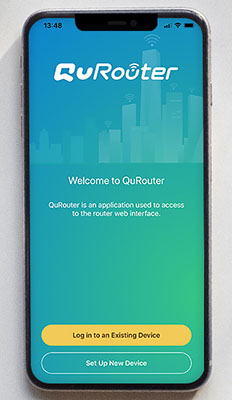
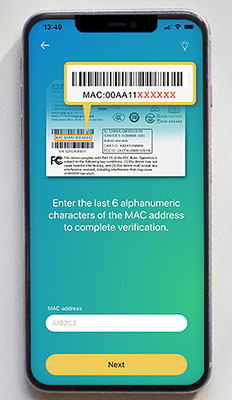
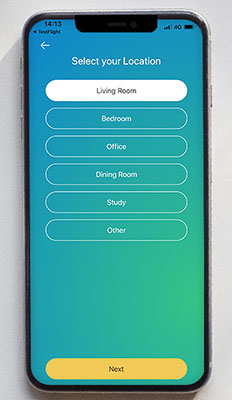
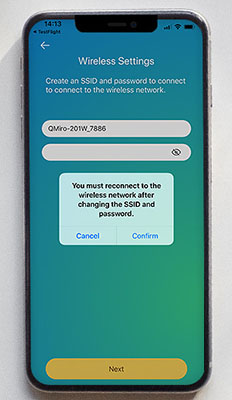
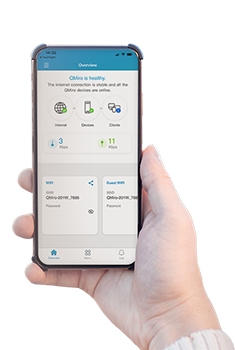
The QuRouter mobile app allows you to monitor your home mesh network, including connection status, network usage, and the number of connected users.
Set up your smart home Wi-Fi
Build a flexible home cloud environment and enjoy a seamless wireless experience with the QMiro Plus smart router and QMiro Mesh Wi-Fi router!
| One QMiroPlus-201W router |
One QMiroPlus-201W router + One or multiple QMiro routers |
| Up to 2100 square feet / 195 square meters |
2100 square feet / 195 square meters with every new connection |
| For apartments with one to two rooms/small stores with smart cloud storage needs |
For large apartments with three to five rooms/large stores/house with smart cloud storage needs |
Note 1: Limited to four QMiro Plus smart routers and QMiro Mesh Wi-Fi routers (1 Router + 3 Satellites) in one site.
Note 2: Coverage may vary depending on the number and placement of units.