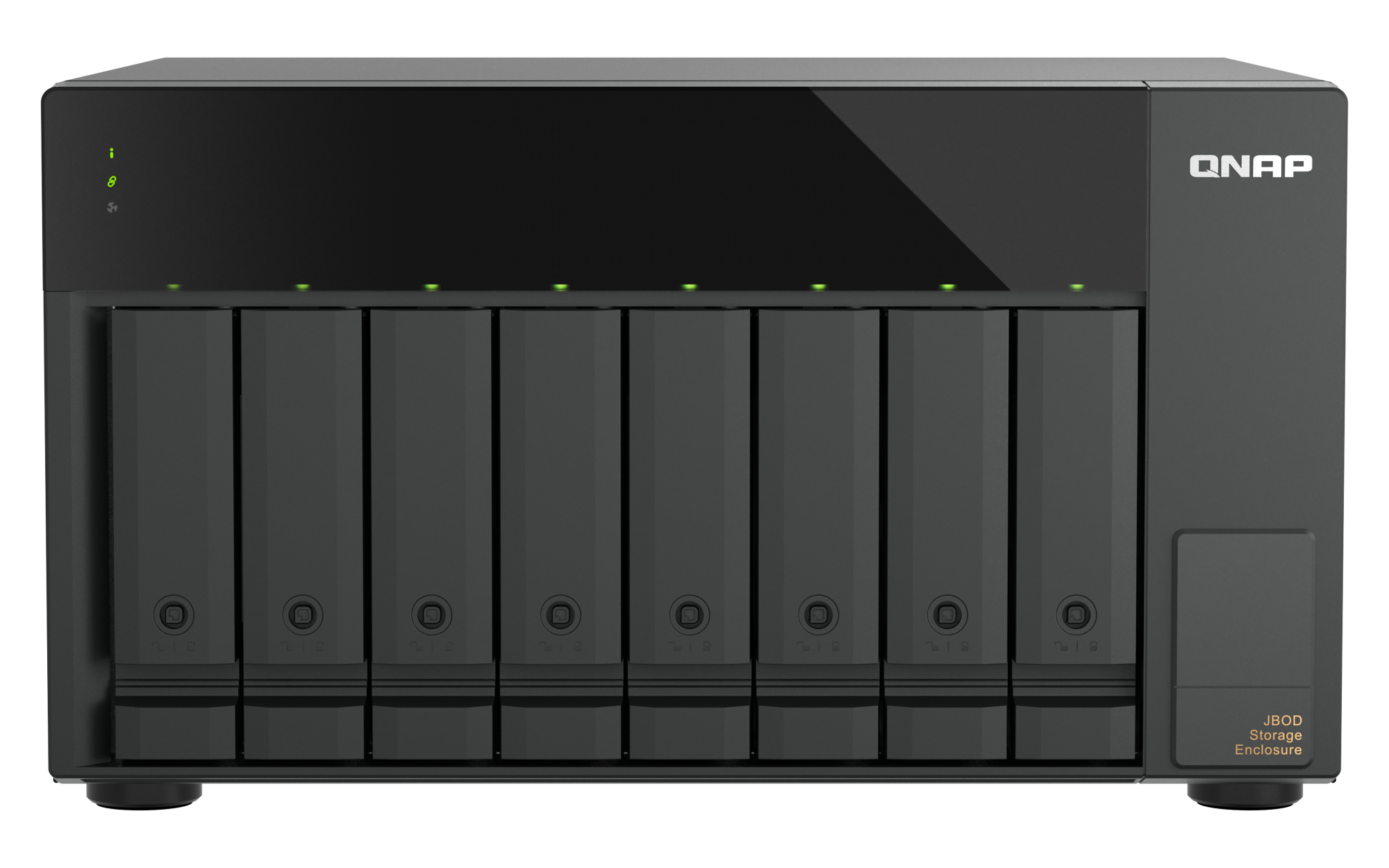
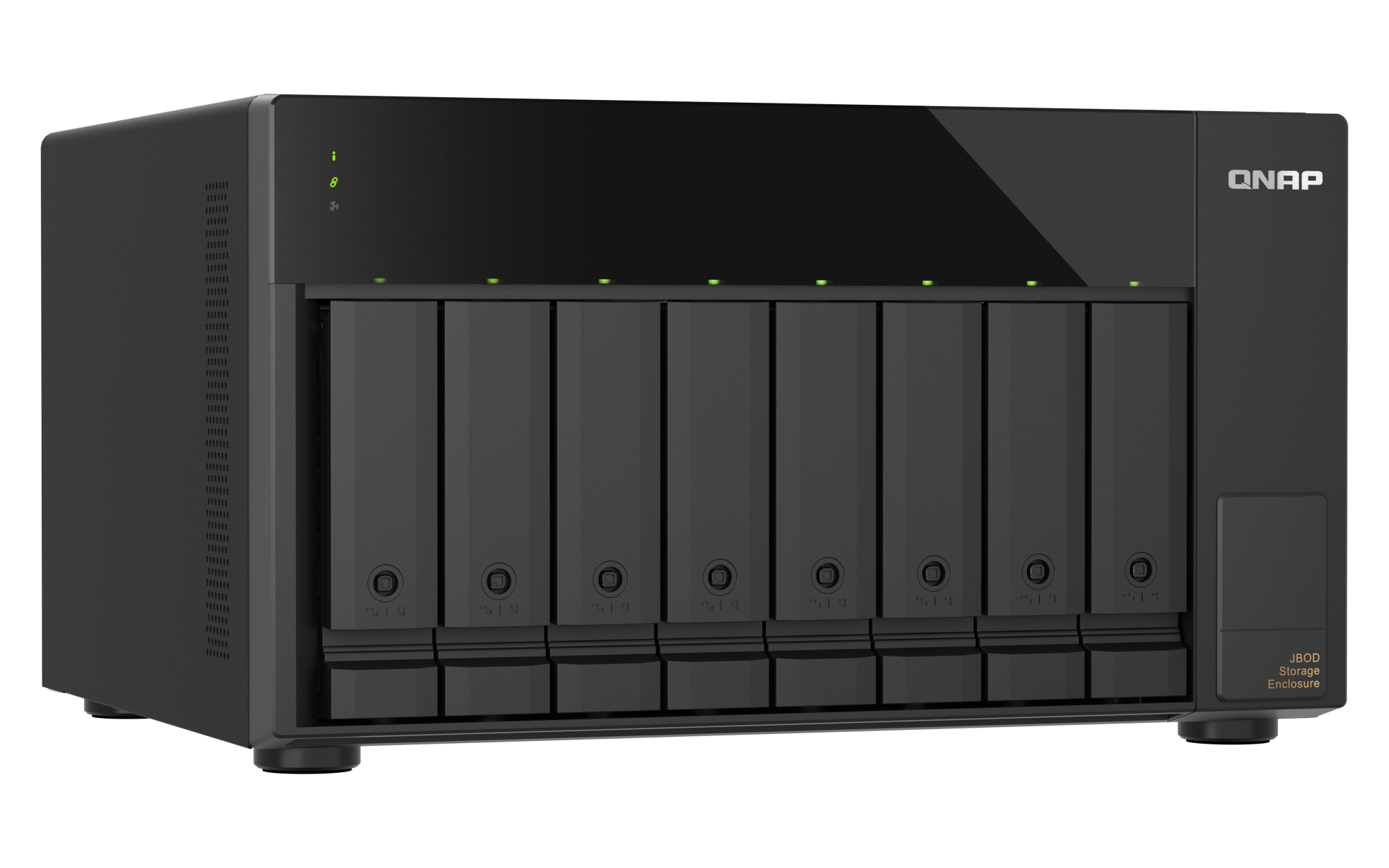
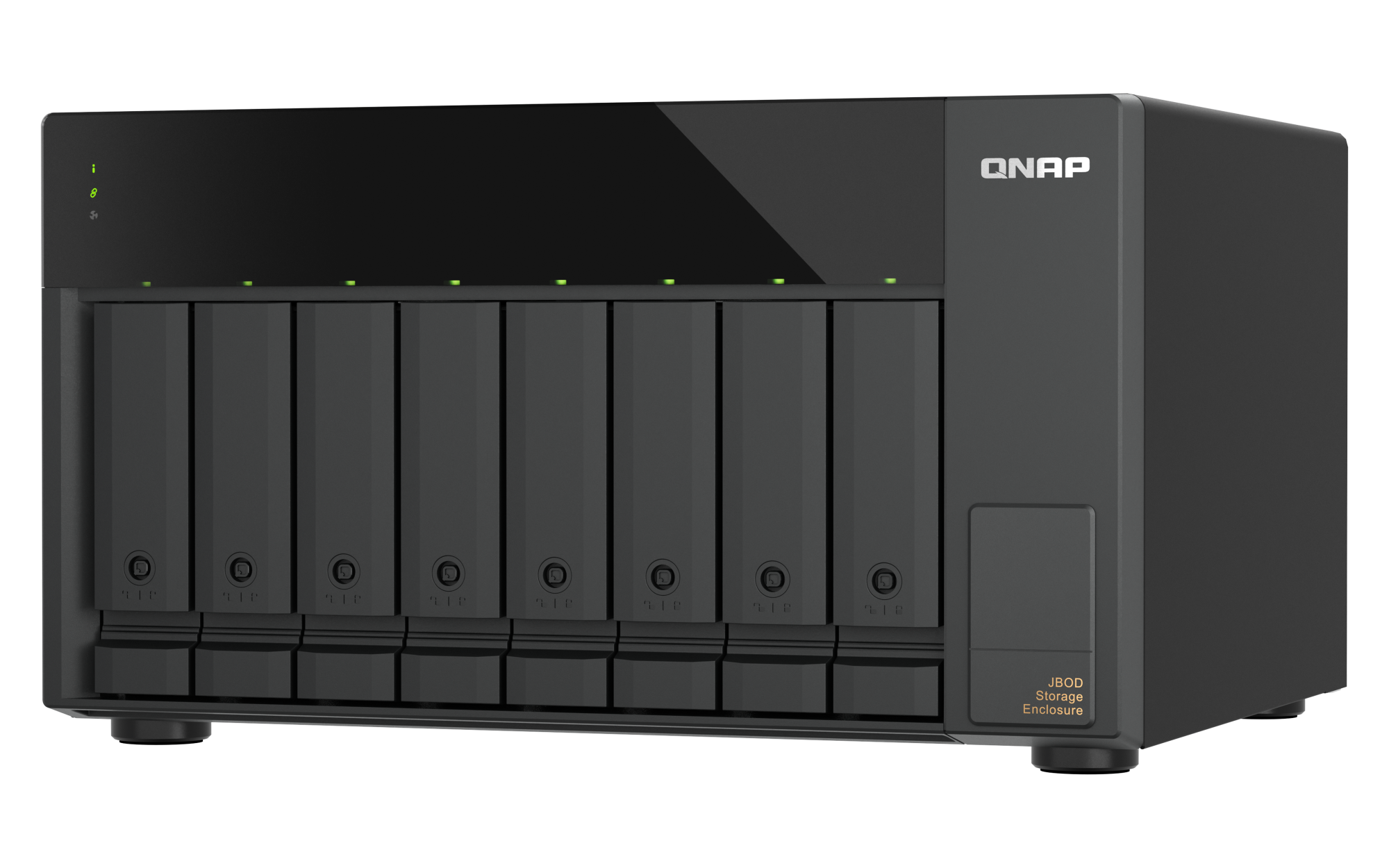
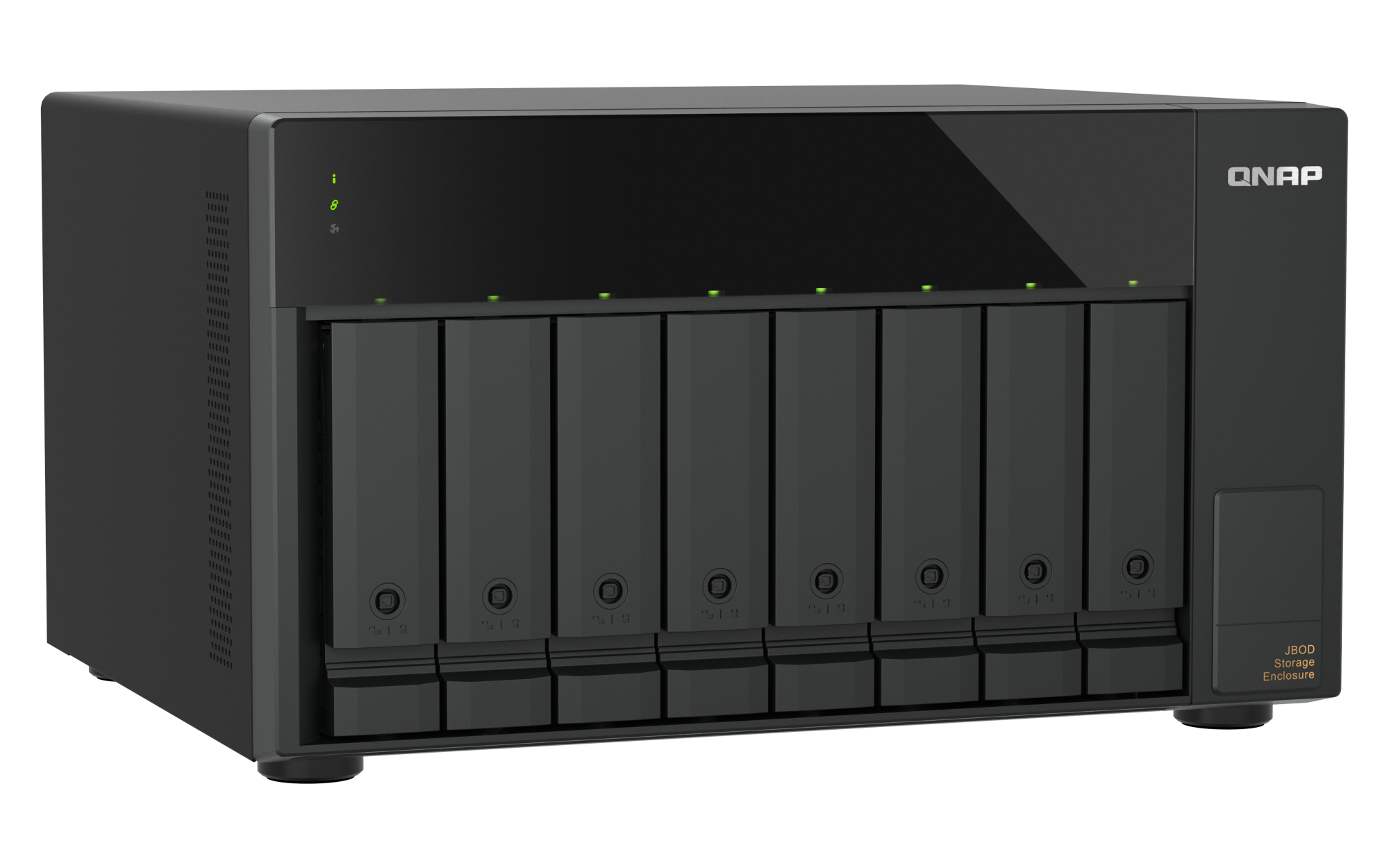
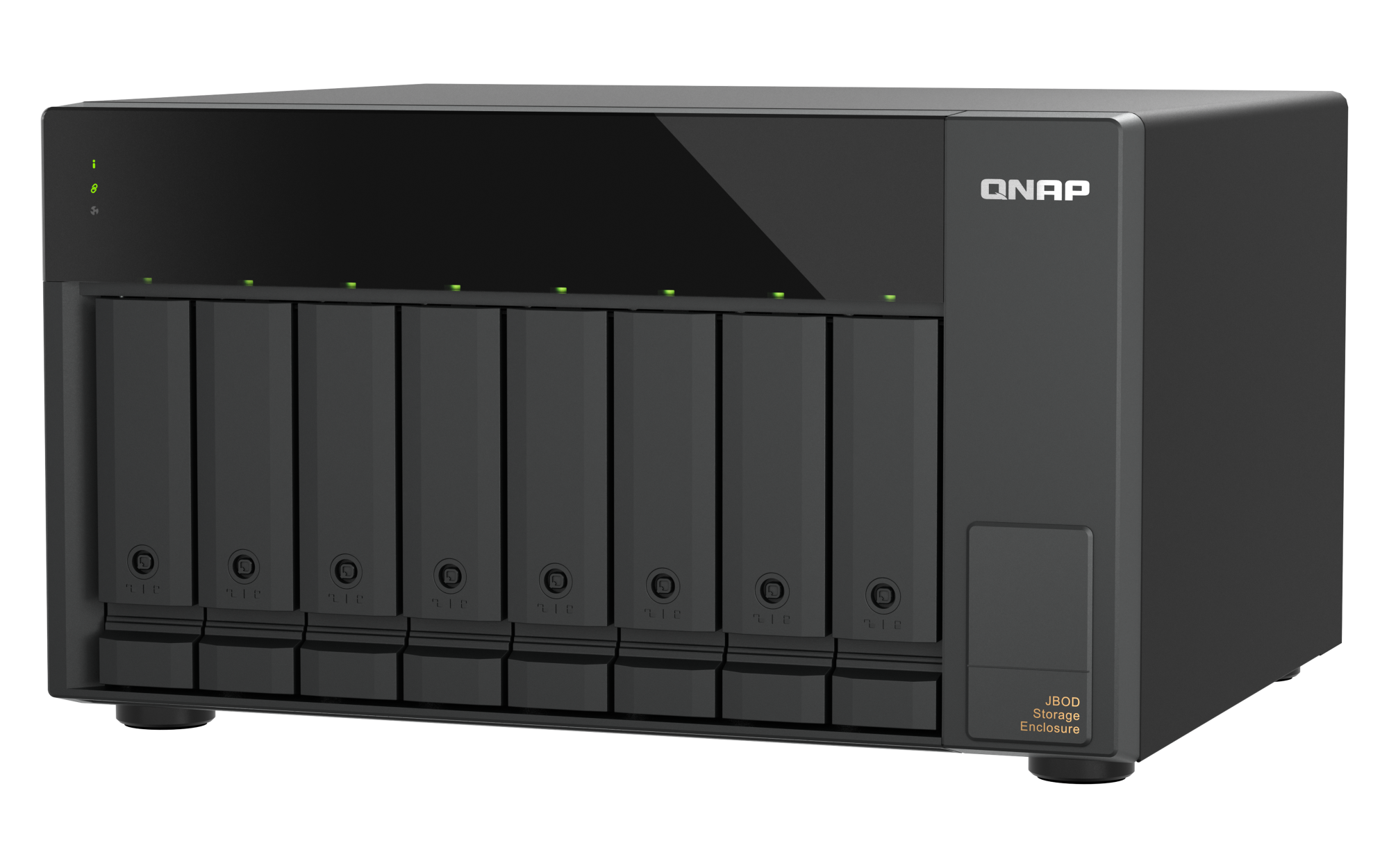
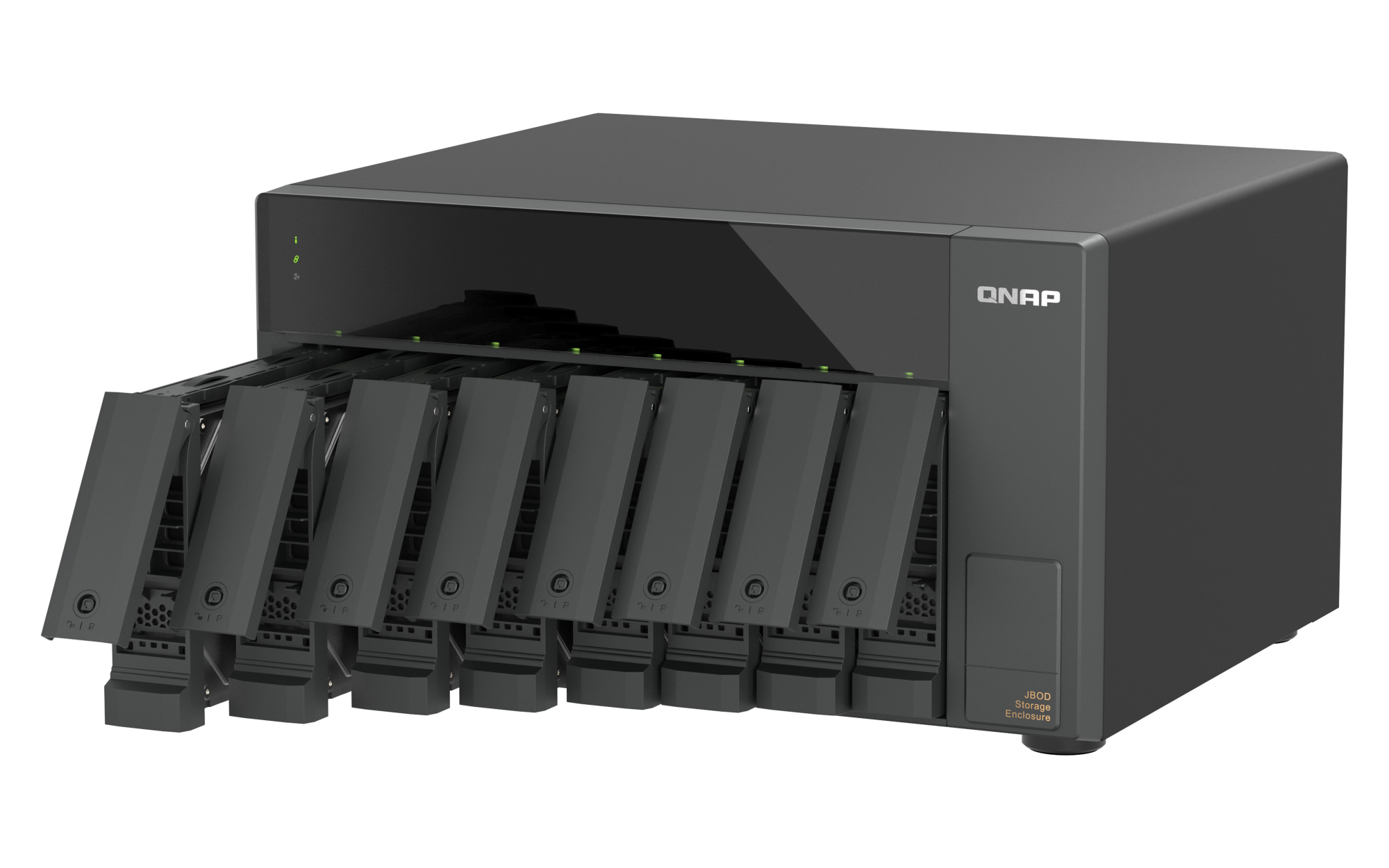
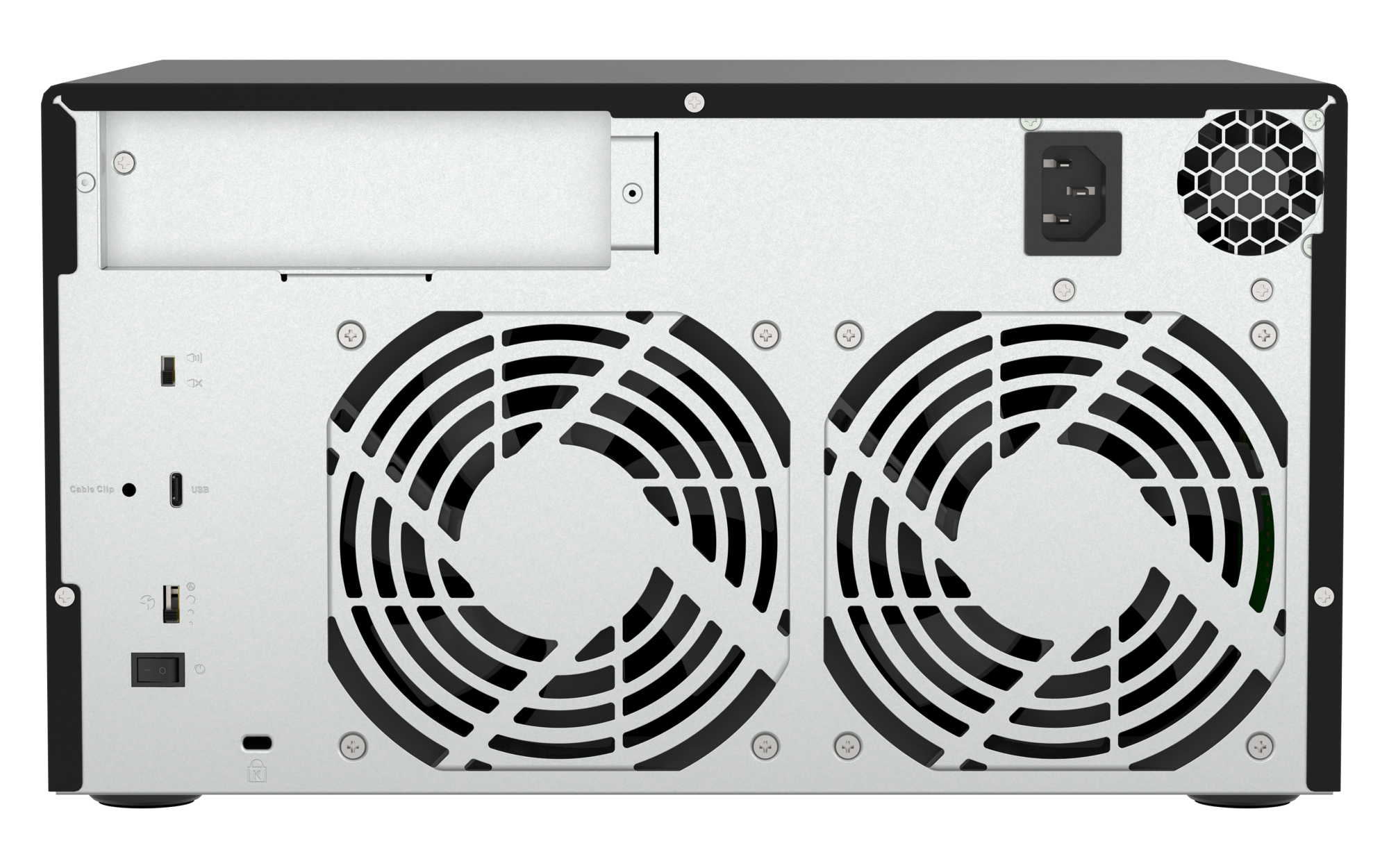
Package Content
- QNAP TL-D810TC4
- 1 x Power cord
- 1 x USB 4 Type-c to Type-c cable
- 1 x USB cable clip
- 32 x Flat head screw (for 3.5" HDD)
- 24 x Flat head screw (for 2.5" HDD)
- Quick Installation Guide
Overview:
The desktop TL-D810TC4 features eight SATA 6Gb/s hard drive slots, supporting 3.5-inch/2.5-inch SATA HDDs or SSDs. With a USB 4 Type-C interface, it is also compatible with Thunderbolt™ 3/4, offering transfer speeds up to 40Gbps, making large-file access and backups faster and more efficient. TL-D810TC4 is the perfect expansion solution for creators and personal users with high storage demands, providing high-speed access, convenient deployment, and easy management of data and backups.
Please Note:
- TL-D810TC4 currently supports QTS 5.2.x (or later) and QuTS hero 5.2.8 (or later) operating systems only.
- When connecting this product via the QXP-40G2UC, some NAS models require a minimum BIOS version update. Please refer to the Compatibility List.
- TL-D810TC4 is compatible with USB 4 (for NAS, Windows PC, and Mac) ,Thunderbolt™ 3 (for NAS and Mac), Thunderbolt™ 4 (for NAS, Windows PC, and Mac) ports.
- TL-D810TC4 is compatible with USB 4 and Thunderbolt™ 4 only. USB 3 and earlier versions are not supported.
- TL-D810TC4 can only be migrated with TL USB series JBODs, and not with other JBODs or devices.
- To avoid abnormal performance, you must follow the proper power-on and power-off procedures as per the user manual.
- To ensure optimal system compatibility, transfer performance, and data integrity, please connect the external enclosure directly to the USB port of your NAS, PC, or Mac. Do not connect a USB hub or docking station between the host system and the expansion unit.
Flexible Expansion for NAS, PCs, and Macs
Compatible with QTS 5.2.x/QuTS hero 5.2.8 (or later), Windows 11 (or later), macOS 12.0 (or later), Ubuntu 22.04 (or later), and other systems, TL-D810TC4 allows flexible storage expansion up to 208 TB (maximum raw capacity: eight bays * 26 TB), ensuring both data security and ease of management.
High-Speed 40Gbps Transfer
Utilizing USB 4 high-speed transfer, it supports up to 40Gbps (actual speeds depend on the device and cables) and supports QNAP NAS, Mac, Windows systems compatible with Thunderbolt™ 4.
Note: A USB 4 Type-C cable is included. We recommend using a USB cable no longer than 1 meter.
Supports SATA Hard Drives
With SATA 6Gb/s hard drive slots, it ensures reliable continuous read performance for smooth and fast operations.
Supports UASP
Supports UASP (USB Attached SCSI Protocol), which significantly improves transfer speeds and reduces data delay and wait times.
Host-based power management
When the main device powers on or off, JBOD automatically synchronizes, improving system stability and reducing operational risks.
Lockable Hard Drive Slots
With the included key, you can lock each hard drive slot, preventing removal of drives and ensuring the physical safety of your data.
Features:
USB 4 Type-C connectivity delivers even faster read performance!
TL-D810TC4 is equipped with a USB 4 Type-C port, supporting 40Gbps high-speed transfer, allowing rapid large-file transfers via USB, making it more versatile, efficient, and convenient. Combined with the built-in UASP (USB Attached SCSI Protocol), it significantly improves transfer speeds and reduces data delay and wait times.
Note: To utilize UASP, your computer and OS must support it.
Transfer Performance
|
Read |
Write |
| QTS RAID 0 |
2976 MB/s |
2236 MB/s |
| QTS RAID 5 |
2977 MB/s |
1802 MB/s |
| Windows RAID 0 |
2734 MB/s |
2272 MB/s |
| Windows RAID 5 |
2720 MB/s |
717 MB/s |
| Ubuntu RAID 0 |
2997 MB/s |
2191 MB/s |
| Ubuntu RAID 5 |
2977 MB/s |
1339 MB/s |
Tested in QNAP laboratories. Data may vary depending on actual environment.
Test Environment:
NAS: TVS-h874T, Intel Core i7 12-core Processor, 32GB RAM
Volume type: 8 x Samsung 870 EVO 1TB
More Space for Your NAS
With QNAP NAS's Storage & Snapshots Manager, you can easily set up independent RAID groups, create storage pools, monitor S.M.A.R.T. status, and configure notifications to keep track of your hard drive health.
1. Create an Independent Storage Pool
Using QNAP software RAID, you can create an independent storage pool in TL-D810TC4, supporting RAID migration and disk replacement. Enjoy the same management experience as your NAS's main storage pool.
Note: TL-D810TC4 can only be used as an independent storage pool or disk area. It cannot be merged with the NAS's main storage pool or disk area, and system applications can only be installed on the NAS itself.
2. Set as External Disk Mode
Alternatively, use it as an independent storage box (each hard drive is seen as an independent space), providing additional storage space for quick transfer or short-term backup needs, improving efficiency and data security.
Dual USB 4 Expansion Card for Greater Flexibility in NAS Expansion
Install the QXP-40G2UC expansion card on your NAS and instantly add two USB 4 Type-C ports with speeds up to 40Gbps, upgrading your storage performance across the board.
Expand Your NAS, Flexible and Efficient
USB 4 JBOD can be directly connected to a QNAP NAS TVS-AIh1688ATX with the USB 4 port without complicated network setup—just plug and play to expand storage capacity. It supports high-speed transfers and hot-swapping, making it an ideal choice for enhancing NAS storage flexibility.
Expand for Your Windows® Computers
Build a Large-Capacity Dedicated Database
Whether it's large files, 4K videos, or work materials, you can easily store them, freeing up space on your local storage.
1. Software RAID Setup:
Use the built-in tools in your system (e.g., Windows® Storage Spaces) to combine multiple hard drives into a software RAID, improving data security or read/write performance as needed.
Note: Due to platform incompatibilities, once configured in software RAID mode, the storage cannot be used across different platforms.
2. Single Disk Mode:
Each hard drive can be read and written independently, like a large multi-bay hard drive system. When one disk is full, you can remove it and replace it with a new one. You can also reinsert a disk with existing data to access its contents, ideal for large data batch storage and archiving.
Monitor JBOD Status Anytime
Windows® PC users can monitor or set up the system and disk status of TL-D810TC4 via QNAP JBOD Manager, including checking device health, fan speed. The system will record all events within the device, and when an abnormal condition occurs, real-time desktop notifications will be provided to keep you informed.
- Mac users can manage TL-D810TC4 using the latest JBOD Manager v1.3.
- Windows users can easily manage TL-D810TC4 with the latest JBOD Manager v1.3.
- Linux users can easily manage TL-D810TC4 with the latest JBOD Manager v1.1.
Too Time-Consuming for Remote Transfers? Just Ship the Entire Data!
When transferring large files or a single large dataset, network transfers can be time-consuming and bandwidth-heavy, often taking days to complete and impacting productivity. With TL-D810TC4, you can perform remote data migration by simply installing the hard drives, setting up a software RAID, and then shipping the entire unit to the target location. Once connected to a NAS or PC, it’s plug-and-play, enabling rapid large-file migration.
Note: If a software RAID is configured, TL-D810TC4 data migration only supports use on another host with the same system.
Desktop High-Speed Helper for Creators
The compact desktop design of TL-D810TC4, combined with excellent ventilation structure and fan cooling, is ideal for long-term desktop operation, maintaining high efficiency and stable performance continuously.
Extend hardware warranty up to 5 years
The TL-D810TC4 is backed by a 2-year warranty at no additional cost.
You can also purchase a warranty extension that extends your warranty coverage up to 5 years.
Hardware Specifications:
|
TL-D810TC4 |
| JBOD Connection Interface |
USB |
| Drive Bay |
8 x 3.5-inch
The system is shipped without HDD.
For the HDD compatibility list, please visit https://www.qnap.com/compatibility/ |
| Drive Compatibility |
3.5-inch bays:
3.5-inch SATA 6Gb/s, 3Gb/s hard disk drives
2.5-inch SATA 6Gb/s, 3Gb/s solid state drives
You can only use one disk type (HDD or SSD) in a RAID group. Combining different types of disk in one RAID group is not supported. |
| Hot-swappable |
|
| Form Factor |
Tower |
| Host Interface |
1 x USB 4 (40Gbps) Type-C |
| LED Indicators |
HDD 1-8, Status, Link, Fan error |
| Buttons |
Power switch |
| Dimensions (HxWxD) |
7.41 × 12.96 × 11.08 inch
Dimensions do not include foot pad (foot pad may be up to 30mm / 1.18 inches high depending on model) |
| Weight (Net) |
13.62 lbs |
| Operating Temperature |
0 - 40 °C (32°F - 104°F) |
| Storage Temperature |
-20 - 70°C (-4°F - 158°F) |
| Relative Humidity |
5-95% RH non-condensing, wet bulb: 27°C (80.6°F) |
| Power Supply Unit |
250W PSU, 100 - 240V |
| Fan Mode Switch |
(Auto, high, medium, low) |
| Fan |
2 x 120mm, 12VDC |
| System Warning |
Buzzer |
| Kensington Security Slot |
|
| QTS / QuTS hero |
|
| Windows |
|
| Ubuntu |
|
| Standard Warranty |
2 years |
Note: Use only QNAP memory modules to maintain system performance and stability. For NAS devices with more than one memory slot, use QNAP modules with identical specifications and refer to the hardware user manual to install compatible QNAP memory modules.
Warning: Using unsupported modules may degrade performance, cause errors, or prevent the operating system from starting.
QNAP reserves the right to replace partial parts or accessories if the original is no longer available from its manufacturer/supplier. Any replacement would be fully tested and verified to meet strict compatibility and stability guidelines and will deliver identical performance to the original.
The terms HDMI, HDMI High-Definition Multimedia Interface, HDMI trade dress and the HDMI Logos are trademarks or registered trademarks of HDMI Licensing Administrator, Inc.
Product images are for illustrative purposes only and may differ from the actual product. Due to differences in monitors, colors of products may also appear different to those shown on the site.
Designs and specifications are subject to change without notice.