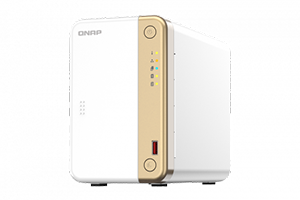
Store, auto-organize, and smartly manage your photos
Backing up mobile photos to the TS-216G is extremely easy with the Auto Upload function of QNAP’s mobile apps (Qfile Pro or QuMagie Mobile) and helps free up your phone capacity! And thanks to the AI-powered QuMagie photo albums that automatically organizes your photos, it is effortless to manage thousands of photos.
NPU accelerates on-device AI performance. 6x faster face recognition
NPU (Neural-network Processing Unit), designed to speed up AI tasks, not only accelerates image recognition and object detection but also reduces CPU workloads for optimized NAS performance when fulfilling AI-driven requests. When uploading a large number of photos to the TS-216G, you will enjoy high-speed AI performance of photo processing brought by NPU.
64-bit Cortex-A55 quad-core 2.0 GHz CPU and 4 GB RAM
Equipped with ARM® quad-core power and 4GB RAM for multitasking, and built-in GPU for enhanced video conversion and transcoding, the TS-216G satisfies file storage, media streaming, and video surveillance applications demanded from home and small offices.
Transmission efficiency
| SMB Sequential Throughout 1MB (1 x 2.5GbE) |
Download
291 MB/s |
Upload
288 MB/s |
| SMB Sequential Throughout 1MB with Encryption (1 x 2.5GbE) |
Download
288 MB/s |
Upload
288 MB/s |
Tested in QNAP Labs. Figures may vary by environment.
Test Environment:
NAS: TS-216G
OS: QTS 5.1.5
Volume type: Samsung 860 PRO 512GB SATA*2, RAID 1
Client PC: Windows Server 2019, AMD EPYC 7302P 3.0GHz, 128GB RAM, NIC Intel i210
Less is more
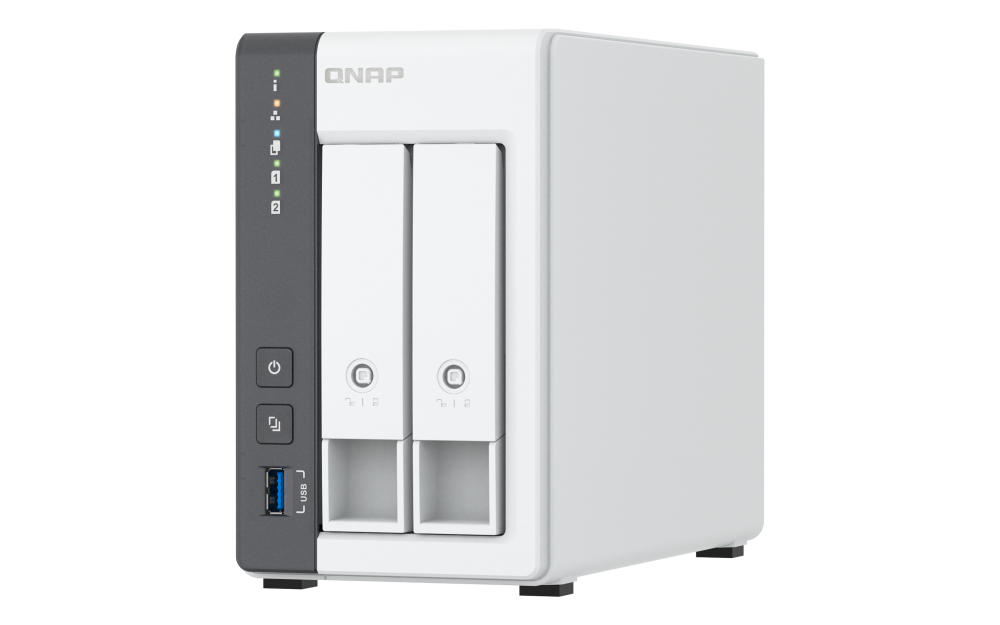
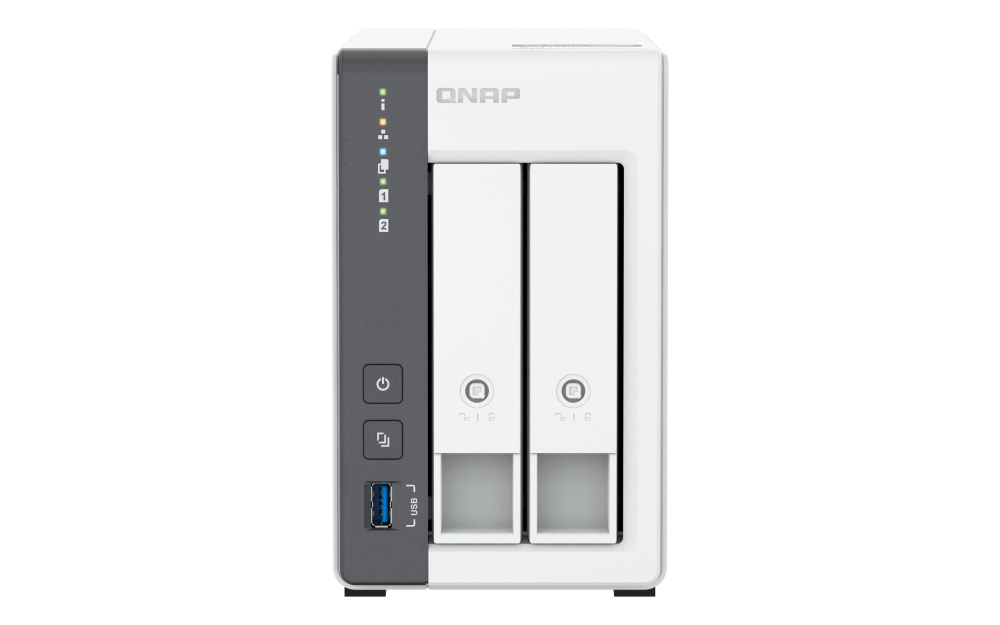
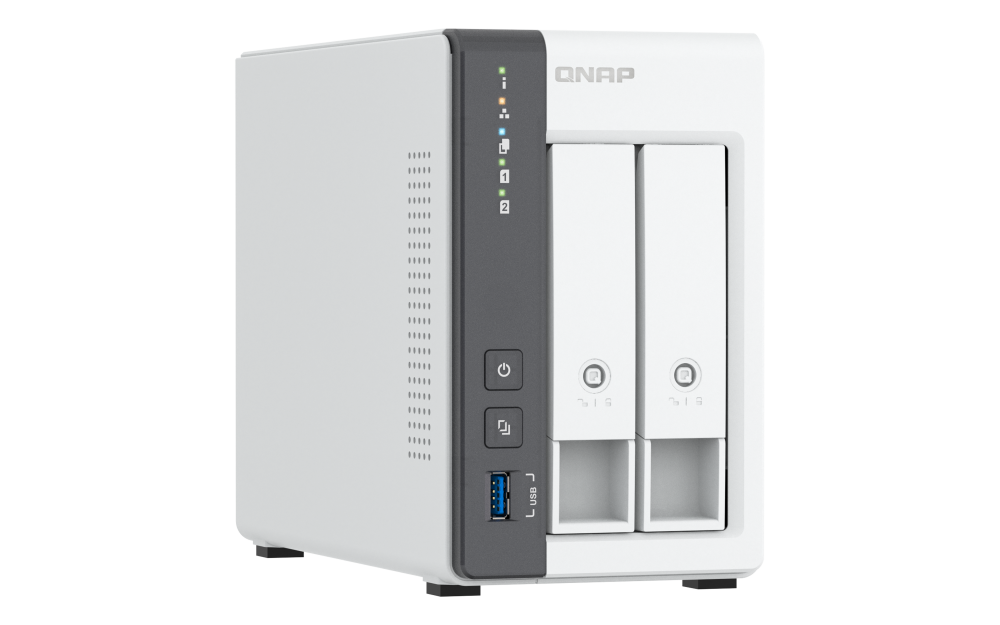
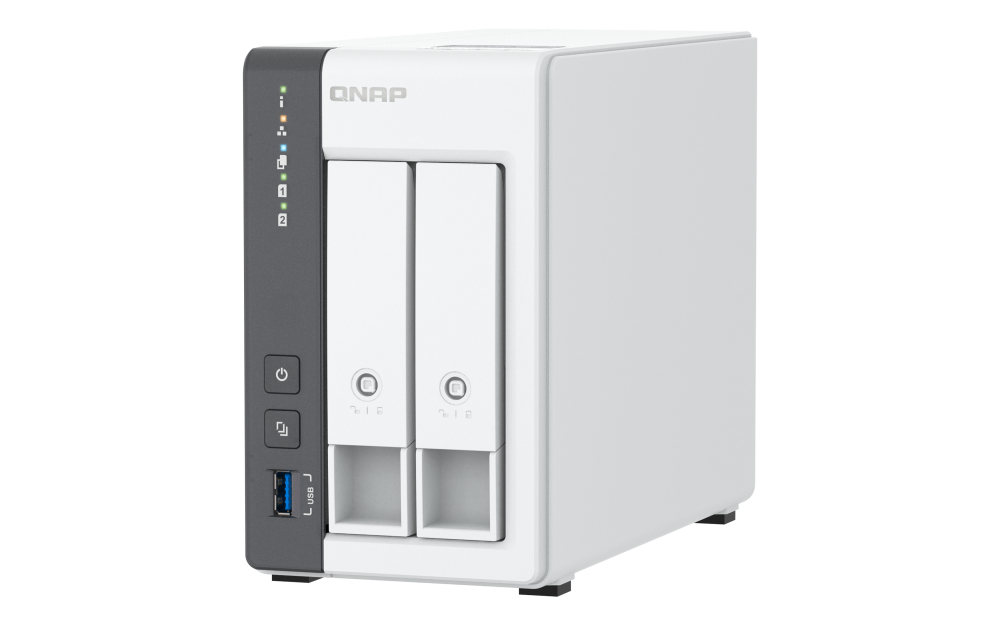
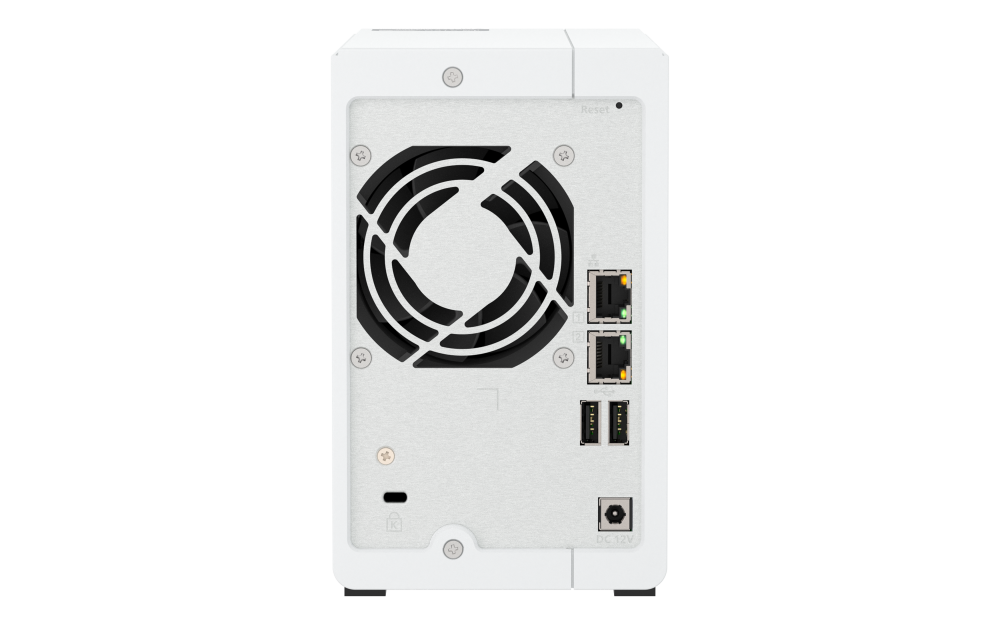
The TS-216G features an elaborate but handy design. The hot-swappable drive bays enable you to easily remove/replace hard drives without interrupting system operations.
Central management of all your files
Access NAS folders as if they are local folders: You can map your TS-216G NAS folders as a network drive on the computer and easily access it just like a local drive.
Connect from anywhere via Internet: Open a browser, connect to your TS-216G, and you can access your NAS files through File Station. You can also mount cloud storage to File Station and manage all your files from a single place.
Comprehensive and high-speed backup
TWith a complete backup solution and 2.5GbE connectivity in the TS-216G, you can efficiently back up files from your phones and computers and make data loss a thing of the past.
Back up Windows®/Mac®
Supports NetBak Replicator / Time Machine

Back up mobile photos
QuMagie

Back up USB drives and devices
Supports USB One-Touch Copy

Back up Google Drive™
Hybrid Backup Sync
Protect your data from ransomware threats with Snapshots
Snapshots are an advanced backup method and are normally reserved for high-end business NAS. QNAP provides snapshots as standard for all NAS – including the TS-216G. Snapshots work by recording the current state of the system, allowing it to be restored back this state at any time - greatly helping in mitigating the threat of ransomware.
| 1. |
Back up PCs to your NAS
Always remember to back up! You should routinely (or automatically) back up files and data from your computer to your TS-216G. |
| 2. |
Take snapshots within seconds
Instantly take snapshots to record the current state of your system and data. You can quickly restore files and data to a previously recorded state by selecting a snapshot version from a specific time point. |
| 3. |
Back up snapshots
Multiply data protection by backing up snapshot files! Replicate snapshots in the TS-216G to a remote NAS (Snapshot Replica) and only copy the changes made. This helps save time & bandwidth, and can be run manually or on a scheduled basis. |
| 4. |
Restore data using snapshots
Snapshot content can be quickly restored to a local NAS, or restored on a folder/file basis to a local/remote NAS or cloud storage. You can also conveniently view and restore snapshots from the client side. |
Protect your data from malware
The TS-216G provides powerful security measures including firewall, VPN, Security Center, and more to help keep your data and NAS system safe and sound.
QuFirewall
Supports IPv6, firewall access lists, and GeoIP filtering to restrict access based on geographical locations for higher NAS network security.

QVPN Service
Supports creating a VPN client, using TS-216G as a VPN server, and WireGuard® VPN service with an easy-to-use interface for setting up a secure connection.

Security Center
A security portal for the TS-216G that proactively detects NAS status, unusual file activity and potential security threats – offering instant protective measures against vulnerabilities to safeguard your system and data.
Sync across multiple devices
You can access your files uploaded to the TS-216G with all your laptops, tablets and phones, and enjoy the immediate synchronization. It’s also useful to improve productivity of workgroup collaboration!
Home and workplace surveillance made easy
The TS-216G can perform as a professional surveillance system for your home and office security – simply install the easy-to-use QVR Elite, a subscription-based smart surveillance software, along with its compatible 8,000+ cameras. Then, you can monitor and playback surveillance footage using computers, browsers, and mobile phones, and get instant notifications when an event occurs.
More useful applications

Storage Expansion

Google Photos™ Backup

QNAP-hosted Cloud Storagen

AI-powered Drive Health Analysis

Containers
Extend hardware warranty up to 5 years
The TS-216G is backed by a 2-year warranty at no additional cost. You can also purchase a warranty extension that extends your warranty coverage up to 5 years.